
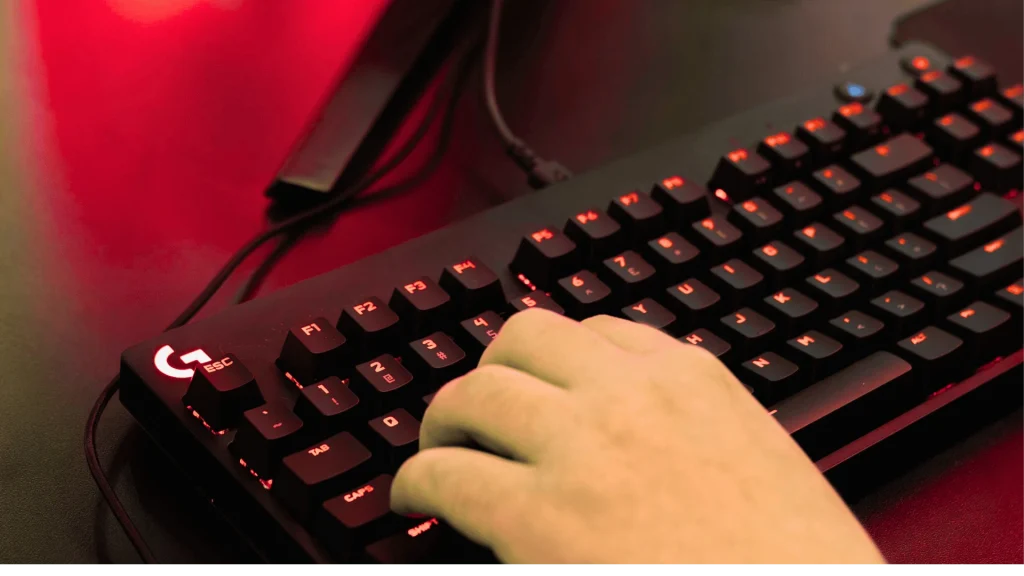
Why Professionals Are Rethinking Their Keyboards
If you spend hours typing, coding, or designing, your keyboard is more than just a tool—it’s a productivity partner. Many professionals struggle with wrist fatigue, noisy keys, or keyboards that are only good for gaming but uncomfortable for work.
The CORSAIR K70 MAX addresses these challenges with a balance of comfort, precision, and durability. It’s designed for people who type all day, offering features that improve efficiency and reduce strain.
Table of Contents
What Is the CORSAIR K70 MAX?
The CORSAIR K70 MAX is a premium mechanical keyboard aimed at professionals and serious users. It combines magnetic-mechanical switches, adjustable actuation, and high-quality materials to create a keyboard that adapts to your workflow.
This isn’t just a gaming keyboard—it’s built for accuracy, comfort, and long-term durability, making it ideal for coding, writing, video editing, or any intensive computer task.
Key Features at a Glance
Before diving deeper, here’s a quick overview of the most important features:
- CORSAIR MGX Magnetic Switches – Long-lasting, smooth, and precise.
- Adjustable Actuation per Key – Customize each key’s sensitivity from 0.4mm to 3.6mm.
- Aircraft-Grade Aluminum Frame – Solid, durable, and premium feel.
- Sound-Dampened Design – Quiet typing for office or studio environments.
- Advanced iCUE Software Integration – Full control over lighting, macros, and profiles.
- Dedicated Media Controls – Adjust volume or skip tracks without leaving your workflow.
- Magnetic Plush Wrist Rest – Comfort for long work sessions.
Magnetic MGX Switches: The Real Game-Changer
What Makes MGX Switches Different?
Unlike traditional mechanical switches, the K70 MAX uses Hall-effect magnetic switches. These switches detect key presses via magnets instead of physical contact, which provides:
- No physical wear, extending switch lifespan
- Fully adjustable sensitivity for each key
- Smooth, precise typing for work or gaming
Adjustable Actuation Explained
You can set each key’s actuation point anywhere between 0.4mm and 3.6mm. This flexibility allows:
- Light actuation for fast typing
- Deeper actuation for modifier keys
- Custom depth for shortcuts or macros
This level of control is especially useful for developers, designers, and professionals who rely on keyboard efficiency
Build Quality and Design
Premium Materials That Last
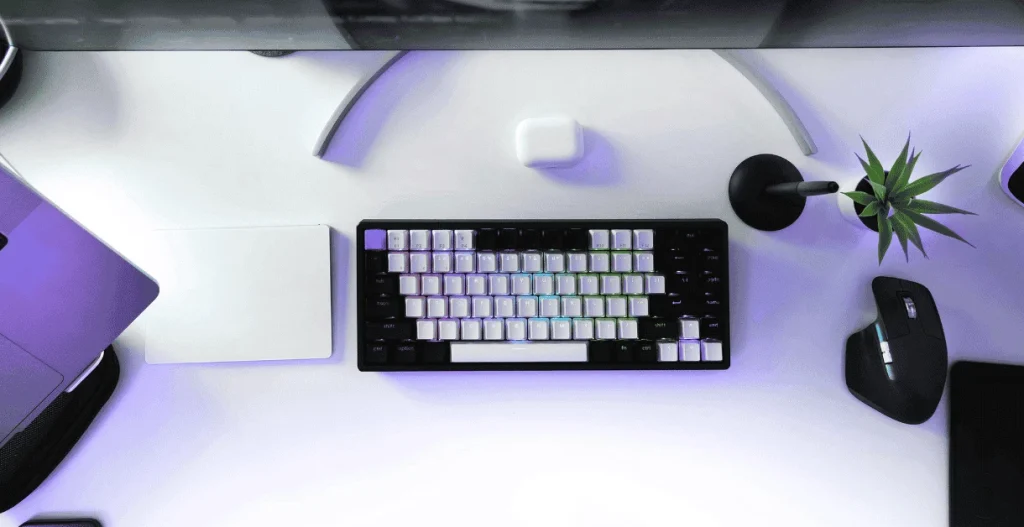
The K70 MAX features an anodized aluminum top plate. It feels solid, heavy, and stable—no flex, creaking, or cheap plastic.
Minimal, Professional Look
The RGB lighting is subtle and customizable:
- Turn off RGB for a clean office look
- Use soft white lighting for minimal distraction
- Customize per-key lighting for workflow efficiency
This makes it suitable for home studios, corporate offices, or hybrid workspaces.
Typing Experience: Built for Long Workdays
Sound Dampening Done Right
The keyboard uses:
- Dual-layer sound dampening
- Lubed stabilizers
- Soft key bottom-out feel
The result is a quiet, refined typing experience, ideal for shared offices or video calls.
Wrist Comfort Matters
The magnetic wrist rest is plush and supportive, reducing:
- Wrist strain
- Finger fatigue
- Long-term discomfort
Professionals who type 6–10 hours a day will notice the difference immediately.
Software: iCUE for Total Control
What You Can Customize
The CORSAIR iCUE software allows:
- Adjusting actuation per key
- Creating multi-step macros
- Setting application-specific profiles
- Customizing RGB lighting
- Saving profiles directly to the keyboard
Step-by-Step: Setting Custom Actuation
- Open iCUE
- Select the K70 MAX
- Choose a key or key group
- Set desired actuation depth
- Save to onboard memory
This feature is particularly useful for programmers, video editors, and financial analysts.
Productivity Use Cases for Professionals
For Developers and Coders
- Faster response for frequent keys
- Custom macro layers
- Reduced finger fatigue
For Designers and Editors
- Precision control for shortcuts
- Quiet operation for studios
- Clean desk aesthetics
For Managers and Writers
- Comfortable long-form typing
- Reliable build quality
- Minimal distractions
Gaming vs Professional Use: Can It Do Both?
Yes. While designed for gamers, the K70 MAX is equally effective for professional use. Adjustable sensitivity, professional-grade materials, and a clean design make it versatile for both gaming and office workflows.
Comparison Table: K70 MAX vs Traditional Mechanical Keyboards
| Feature | K70 MAX | Standard Mechanical |
|---|---|---|
| Switch Type | Magnetic MGX | Mechanical |
| Adjustable Actuation | Yes | No |
| Noise Control | Advanced | Basic |
| Software Customization | Deep | Limited |
| Longevity | Very High | High |
Common Mistakes to Avoid
- Ignoring Actuation Customization – Set your keys for your workflow to fully benefit.
- Overusing RGB Effects – Bright lights can be distracting in office environments.
- Skipping Onboard Profiles – Save settings to ensure consistency across devices.
Is the CORSAIR K70 MAX Worth the Price?
It’s not a budget keyboard, but for professionals:
- Reduces fatigue
- Improves efficiency
- Lasts years
If your keyboard is central to your income, the K70 MAX is an investment, not a luxury.
Frequently Asked Questions (FAQs)
Q: Is it good for typing?
A: Yes. Adjustable actuation and sound dampening make it ideal for long sessions.
Q: Is it too loud for office use?
A: No, it’s quieter than most mechanical keyboards.
Q: Does it work without iCUE?
A: Yes, onboard profiles function independently.
Q: Is it suitable for Mac users?
A: Yes, though some features are limited compared to Windows.
Q: How long do the switches last?
A: Magnetic switches last longer due to minimal physical wear.
Internal Resources
- Mechanical keyboard buying guide
- Ergonomic desk setup tips
- Productivity tools for professionals
Conclusion: Final Thoughts on CORSAIR K70 MAX
The CORSAIR K70 MAX delivers performance, comfort, and precision for professionals. Its adjustable switches, premium build, quiet typing, and ergonomic design make it an ideal choice for anyone who spends hours at a keyboard.