
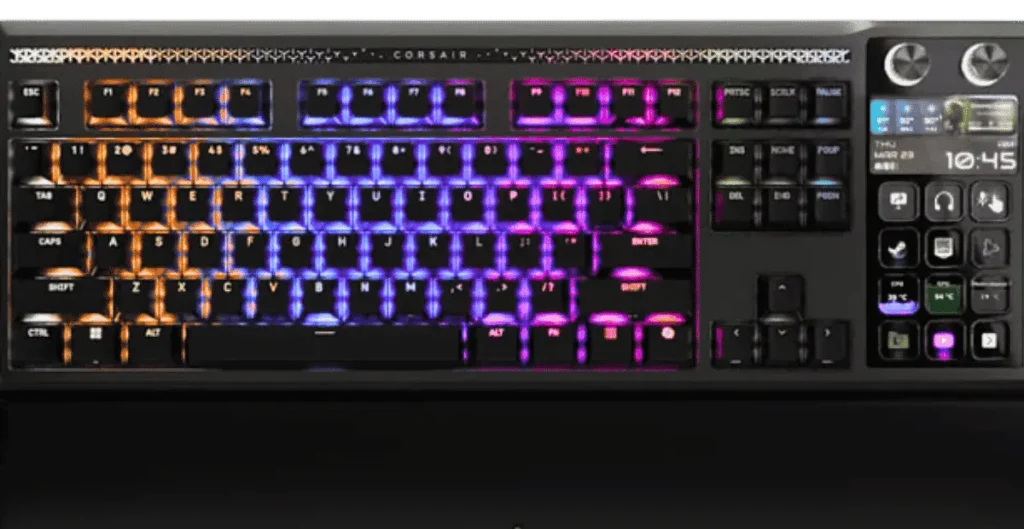
The GALLEON 100 SD is engineered for serious gamers who demand precision, customization, and fast response times. Powered by the Corsair Web Hub Interface, this keyboard allows full control directly from your web browser — no bulky software required.
Whether you’re in the United States or New Zealand, this guide explains how to unlock the full potential of the GALLEON 100 SD.
Table of Contents
What Is the Corsair Web Hub Interface?
The Corsair Web Hub is a browser-based configuration tool designed to give users complete control over the GALLEON 100 SD keyboard.
Instead of installing desktop software, users can customize settings instantly through a supported web browser.
Key Advantages:
- No software installation required
- Works on modern browsers (Chrome, Edge, etc.)
- Saves settings directly to onboard memory
- Lightweight and fast performance
This makes it ideal for gamers who want flexibility without system slowdowns.
Core Features of GALLEON 100 SD Web Hub
| Feature | What It Does | Why It Matters (USA & NZ Gamers) |
|---|---|---|
| Per-Key RGB Lighting | Customize individual key colors | Match gaming setups & streaming aesthetics |
| Key Remapping | Assign custom functions | Optimize layout for FPS, MMO & productivity |
| FlashTap SOCD | Control opposite key input behavior | Competitive edge in esports |
| Game Mode | Disable Windows key & shortcuts | Prevent accidental interruptions |
| Adjustable Polling Rate | Control response speed (up to 1000Hz) | Faster reaction time |
| Firmware Updates | Install performance updates | Keep device optimized |
RGB Lighting Customization
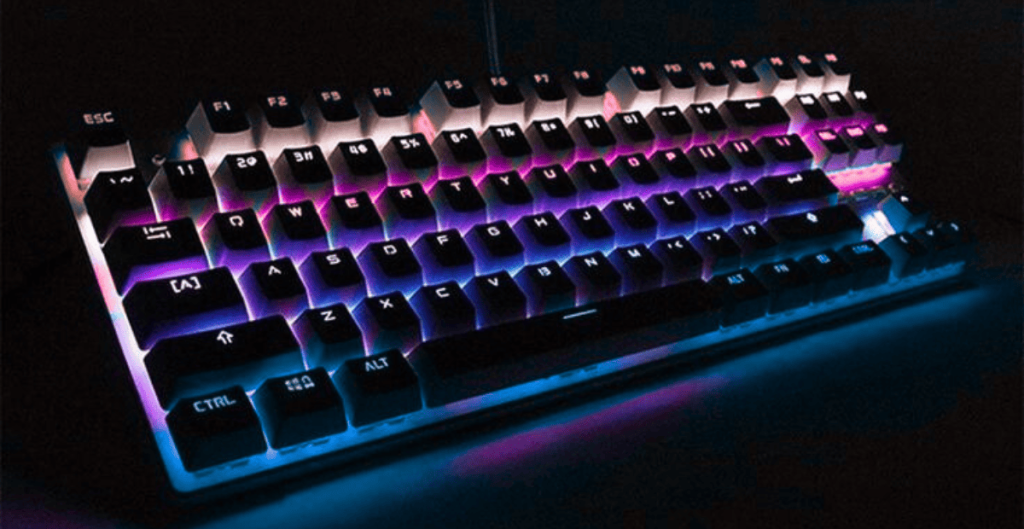
The GALLEON 100 SD features advanced RGB control via Web Hub.
You can:
- Change color per key
- Apply preset lighting effects
- Adjust brightness levels
- Save multiple lighting profiles
Gamers in the USA and NZ who stream or build themed setups will appreciate the deep lighting personalization.
Advanced Key Mapping & Custom Profiles
Through Web Hub, users can:
- Remap individual keys
- Create secondary function layers
- Customize gaming profiles
- Save configurations directly to device memory
Because settings are stored onboard, your configuration works even when switching PCs.
FlashTap SOCD Settings Explained
FlashTap SOCD (Simultaneous Opposite Cardinal Directions) is especially important for competitive gamers.
| Mode | Function | Best For |
|---|---|---|
| Neutral Mode | Cancels both opposite inputs | Balanced gameplay |
| Last Input Priority | Most recent key takes priority | Fast-paced FPS |
| First Input Priority | First pressed key stays active | Stable movement control |
This feature is particularly useful for esports players seeking precise movement control.
Performance & Device Optimization
The Web Hub also allows users to:
- Adjust USB polling rate
- Enable Game Mode
- Update firmware instantly
- Restore factory settings
For competitive gamers in the USA and NZ, maintaining optimized settings ensures consistent performance.
Why Web Hub Is Better Than Traditional Software
| Web Hub | Traditional Software |
|---|---|
| Browser-based | Requires installation |
| Lightweight | Consumes system resources |
| Instant access | Background processes |
| Settings stored onboard | Software-dependent |
Web Hub offers a modern, streamlined experience for serious gamers.
Who Should Use GALLEON 100 SD?
The GALLEON 100 SD is ideal for:
- Competitive FPS players
- MMO gamers
- Streamers
- Content creators
- Productivity users needing customization
Whether you’re gaming in Los Angeles, New York, Auckland, or Wellington — the Web Hub interface ensures full control.
Final Thoughts
The GALLEON 100 SD combined with the Corsair Web Hub Interface delivers high-level customization without complicated software.
With features like per-key RGB, advanced key remapping, FlashTap SOCD, and onboard memory storage, it’s designed for modern gamers in both the USA and New Zealand.
If you want flexibility, speed, and competitive precision — this keyboard delivers.